
Your platform, with your institution identity
Logo, colors, texts and your own domain, or a front end connected to our API. Your users only see your institution brand, with no trace of Virtud. Available on paid plans.
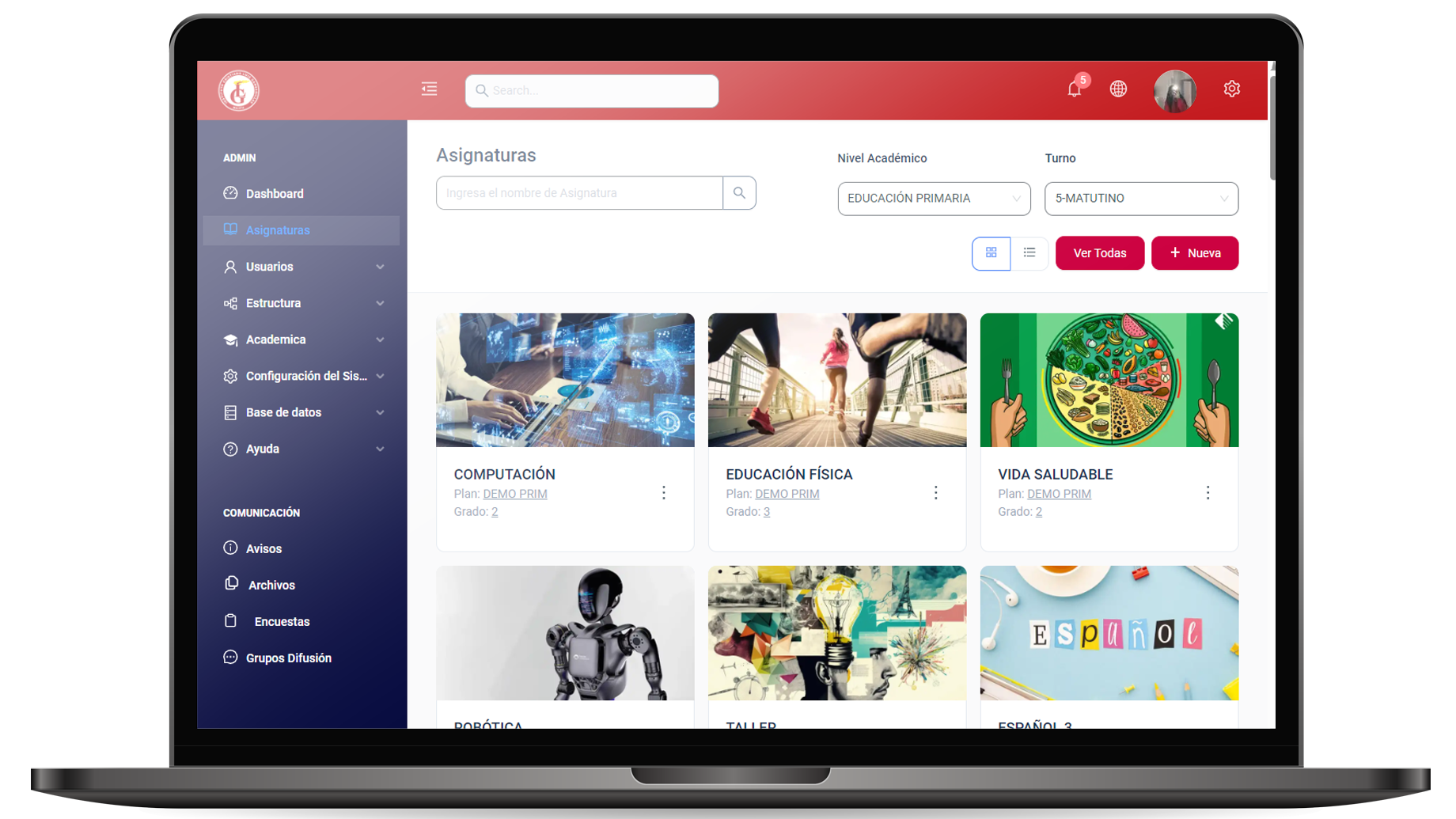
Everything you can make your own
From visual settings to a front end of your own: you decide how far customization goes.
- Institution logos
- A light and a dark version of your logo for the header and the sign-in screen.
- Interface colors
- Top bar, buttons and menus in your institution colors.
- Sign-in screen
- Your own background image and tagline on the page where your users come in.
- Institutional texts
- Legal and other visible texts on the platform, editable from settings.
- Emails
- Settings for the emails and notifications your users receive.
- Your own domain
- Your platform on your institution domain, verified with CNAME and TXT records.
- API with an access key
- An API key for your institution so your systems can read its academic information.
- A front end of your own
- Your own interface on top of the API, built by your team or by Virtud as a separate service.
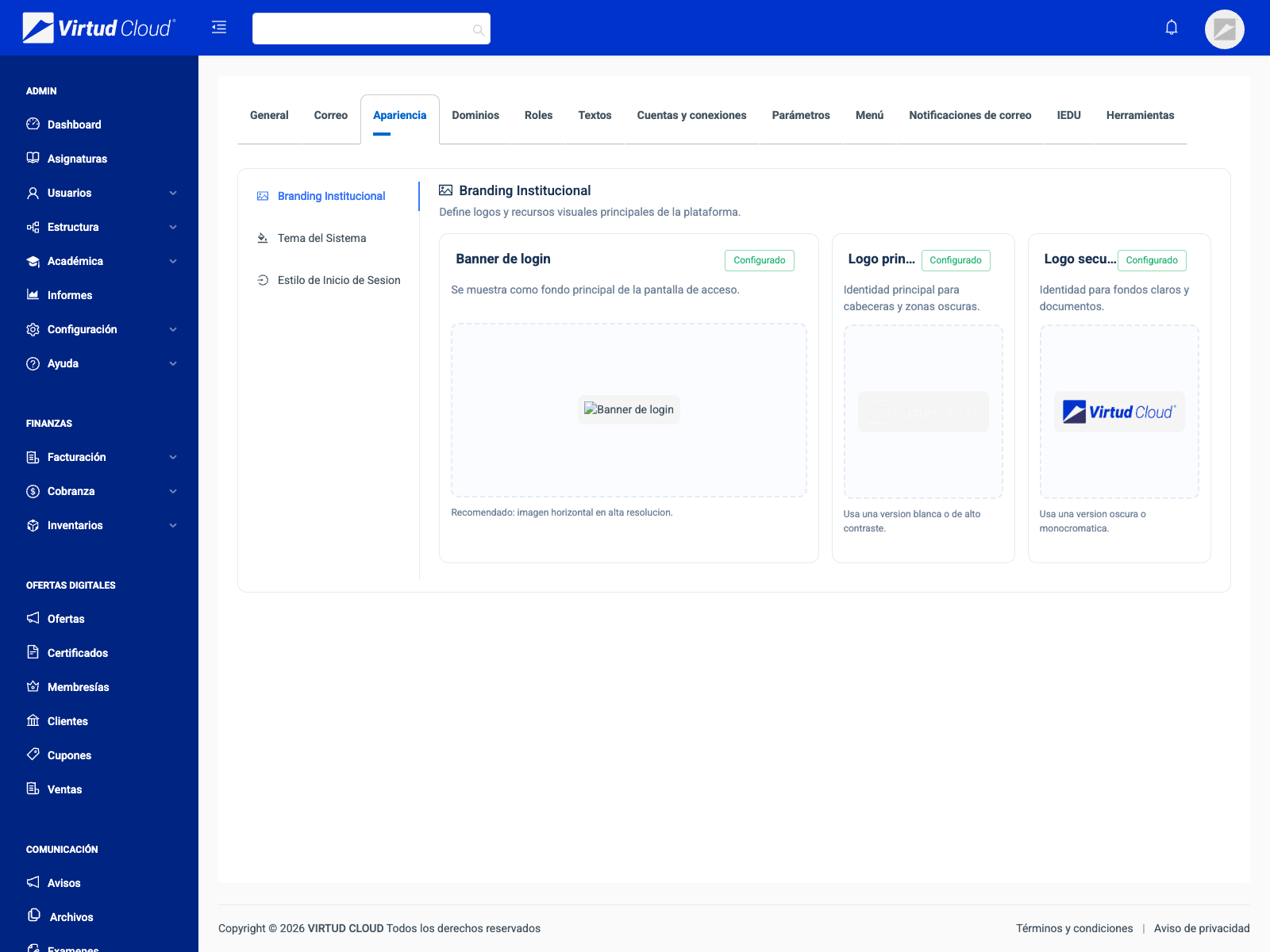
Your logo and your colors on every screen
From the platform settings, an admin updates logos, colors, the sign-in screen and texts without touching a line of code.
- Logo in a light and a dark version
- Colors for the top bar, buttons and menus
- Background and tagline on the sign-in screen
- Editable legal and institutional texts
- No mentions of Virtud visible to your users
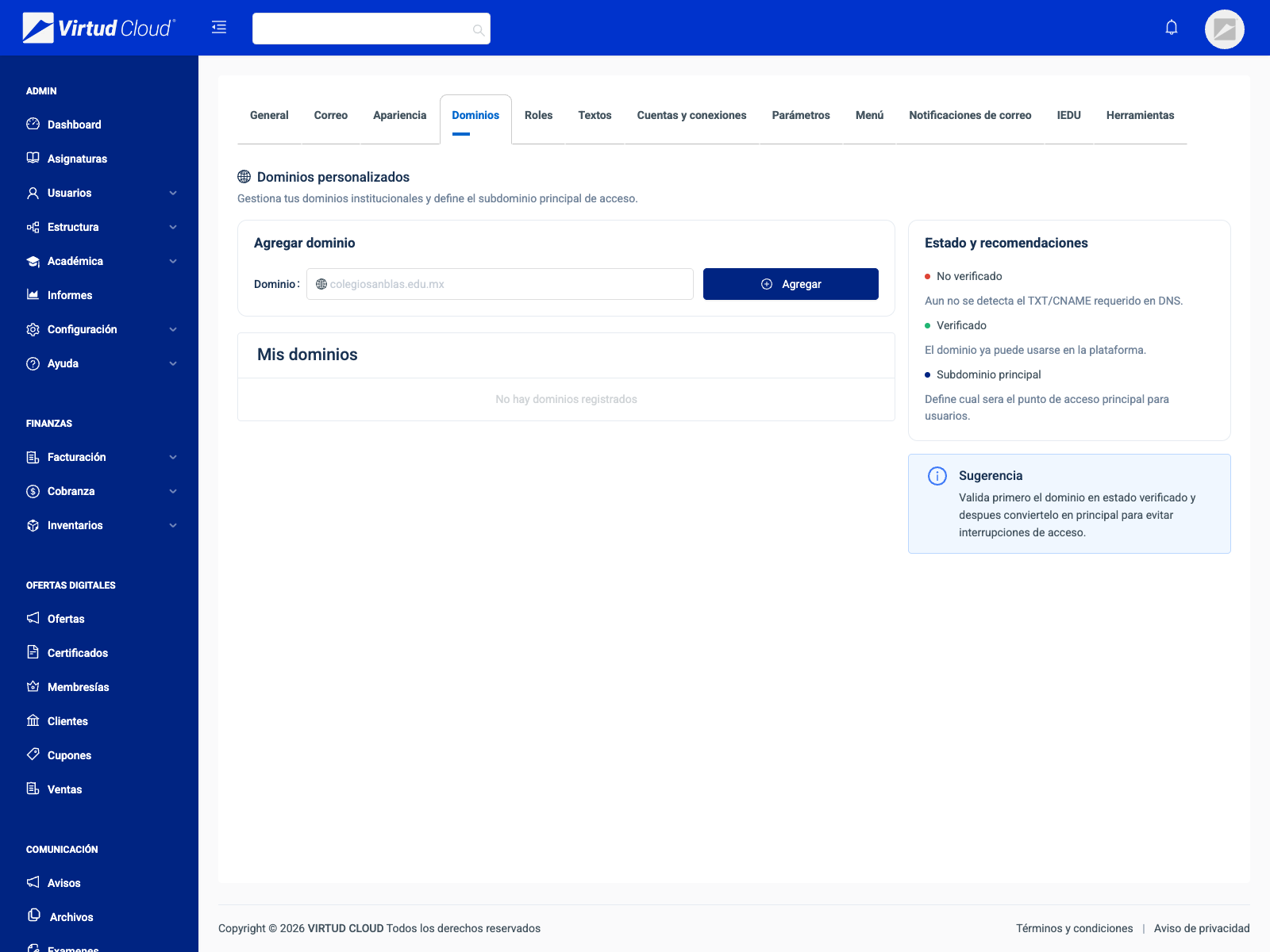
Your platform at your institution address
You register your domain in settings: the platform tells you which CNAME and TXT records to add at your DNS provider and checks that they point correctly.
- Your institution domain or subdomain
- Verification with CNAME and TXT records
- Step-by-step instructions in settings
Connect your systems to Virtud
With your institution API key, your systems read its academic information: users, campuses, sections, groups, courses, classes, enrollments and attendance.
- Authentication with the X-API-Key header
- Keys per institution, issued and revoked by Virtud
- Access according to the modules in your plan
- Interactive API documentation (OpenAPI)
# Grupos de un plantel, de uno en uno
curl "$VIRTUD_API_URL/api/v1/groups?filter[campus_id]=3&pageSize=1" \
  -H "X-API-Key: $VIRTUD_API_KEY" \
  -H "Accept: application/json"
// Grupos de un plantel, de uno en uno
const url = `${process.env.VIRTUD_API_URL}/api/v1/groups?filter[campus_id]=3&pageSize=1`;
const res = await fetch(url, {
headers: {
'X-API-Key': process.env.VIRTUD_API_KEY,
Accept: 'application/json',
},
});
const { data, pagination } = await res.json();// Grupos de un plantel, de uno en uno
$url = getenv('VIRTUD_API_URL') . '/api/v1/groups?filter[campus_id]=3&pageSize=1';
$ch = curl_init($url);
curl_setopt_array($ch, [
CURLOPT_RETURNTRANSFER => true,
CURLOPT_HTTPHEADER => [
'X-API-Key: ' . getenv('VIRTUD_API_KEY'),
'Accept: application/json',
],
]);
$body = json_decode(curl_exec($ch), true);
$groups = $body['data'];Response
{
  "success": true,
  "data": [
    {
      "id": 18,
      "name": "1° A",
      "classroom": "Aula 4",
      "teacherId": 214,
      "sectionId": 7,
      "campusId": 3,
      "shift": "Matutino",
      "maxCapacity": 30,
      "gradeLevel": 1,
      "schoolYearId": 12,
      "curriculumId": 5
    }
  ],
  "pagination": {
    "currentPage": 1,
    "pageSize": 1,
    "totalItems": 14,
    "totalPages": 14
  },
  "statusCode": 200
}Three levels of customization, one system
Pick the level that fits your institution. You can start simple and grow when you need to.
White label is for those who want to stand apart
From a private school that guards its image to a reseller offering the platform under its own brand.
They guard their image with parents and students, and want a platform that looks like theirs.
- Their own logo and colors
- Institutional domain
- Sign-in screen with their image
They run several institutions or brands: each one has its own Institutional Space with its identity.
- One identity per institution
- A domain of its own for each
- Information kept separate per institution
They offer the platform under their own brand to schools in their territory and manage them from their panel.
- Platform under their brand
- A panel with their institutions
- Registration of new institutions
IT departments or agencies building a tailored experience with the API as their backend.
- The institution API key
- Your own front end in any stack
- API documentation
Want your platform to carry your school name?
Book a demo and we will work out which level of customization you need, from your logo to a front end of your own on our API.